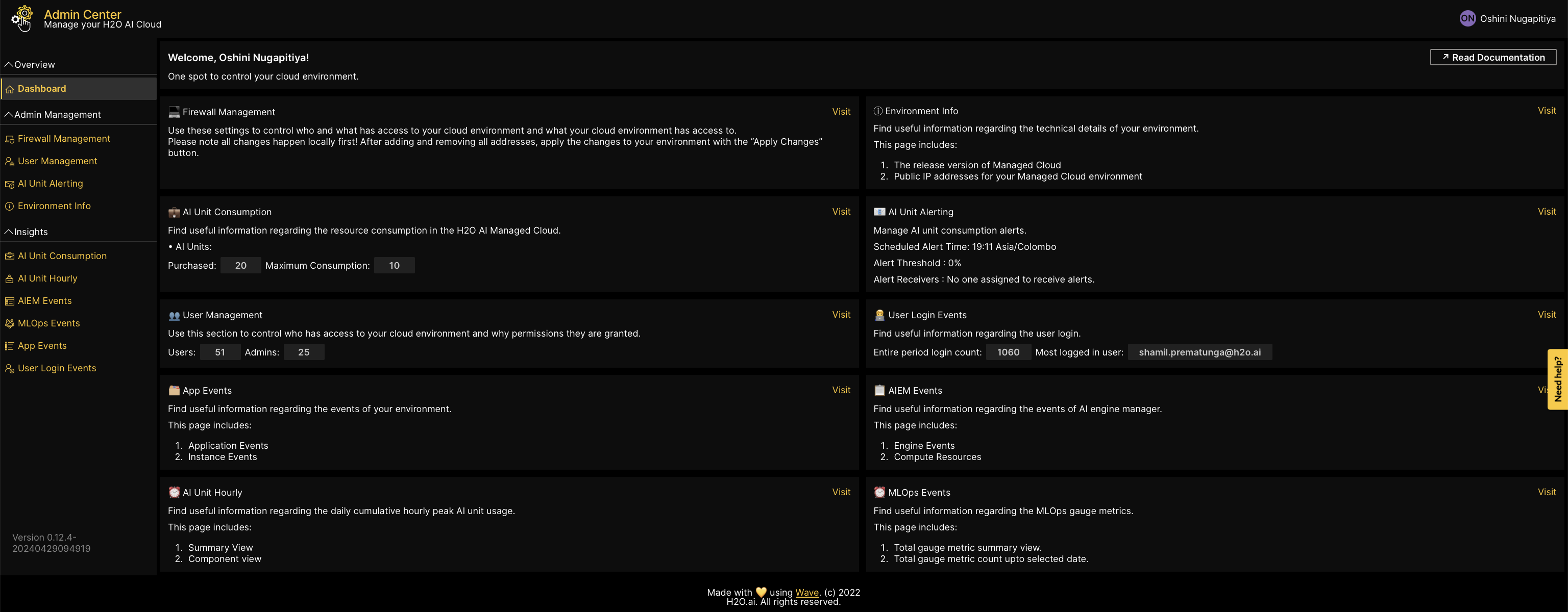
MLOps events
This guide explains how to access useful information regarding H2O MLOps-related gauge metrics. The MLOps events section includes:
- A summary view of total H2O MLOps gauge metrics.
- The total count of H2O MLOps gauge metrics up to a selected date.
Click MLOps events on the left navigation bar or click Visit on your Dashboard, to access the subsection.
Gauge metric view
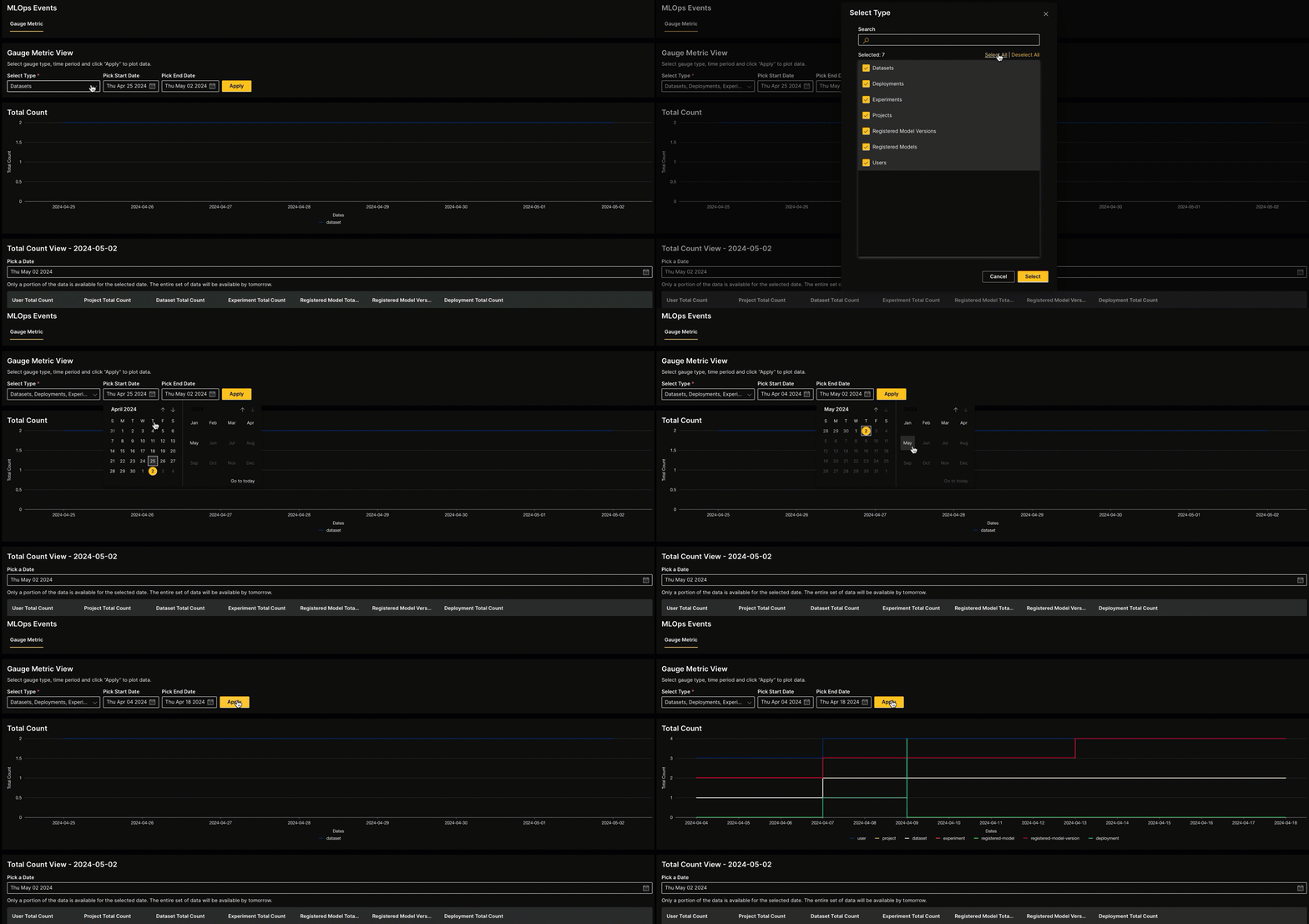
The Gauge metric view displays the total cumulative count of the gauge metrics you select over a specified time frame. To view the data, consider the following instructions:
- From the dropdown menu, select the gauge metrics of which you wish to view the total count.
- Pick a Start date and an End date.
- Click Apply.
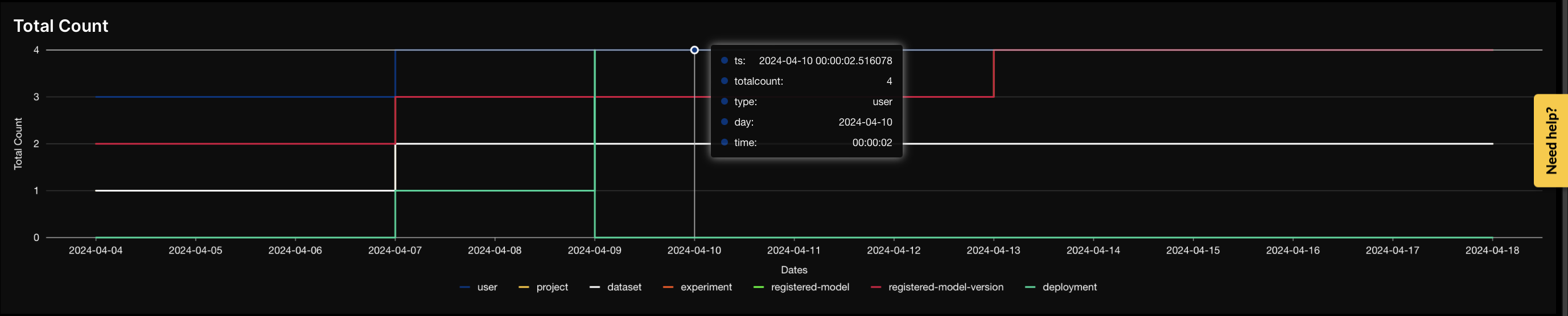
The total count plot displays the following information:
- Total count: the cumulative total count of the selected gauge type
- Gauge type: the type of the H2O MLOps gauge metric
- Date and time: the date and the specific time point of the data
Total count view of a selected date
To view the total cumulative count of each gauge metric type up to a particular date, select a date using the calendar tool. The metrics will update to show the cumulative total count of each gauge metric up to your chosen date.

Feedback
- Submit and view feedback for this page
- Send feedback about H2O Admin Center to cloud-feedback@h2o.ai